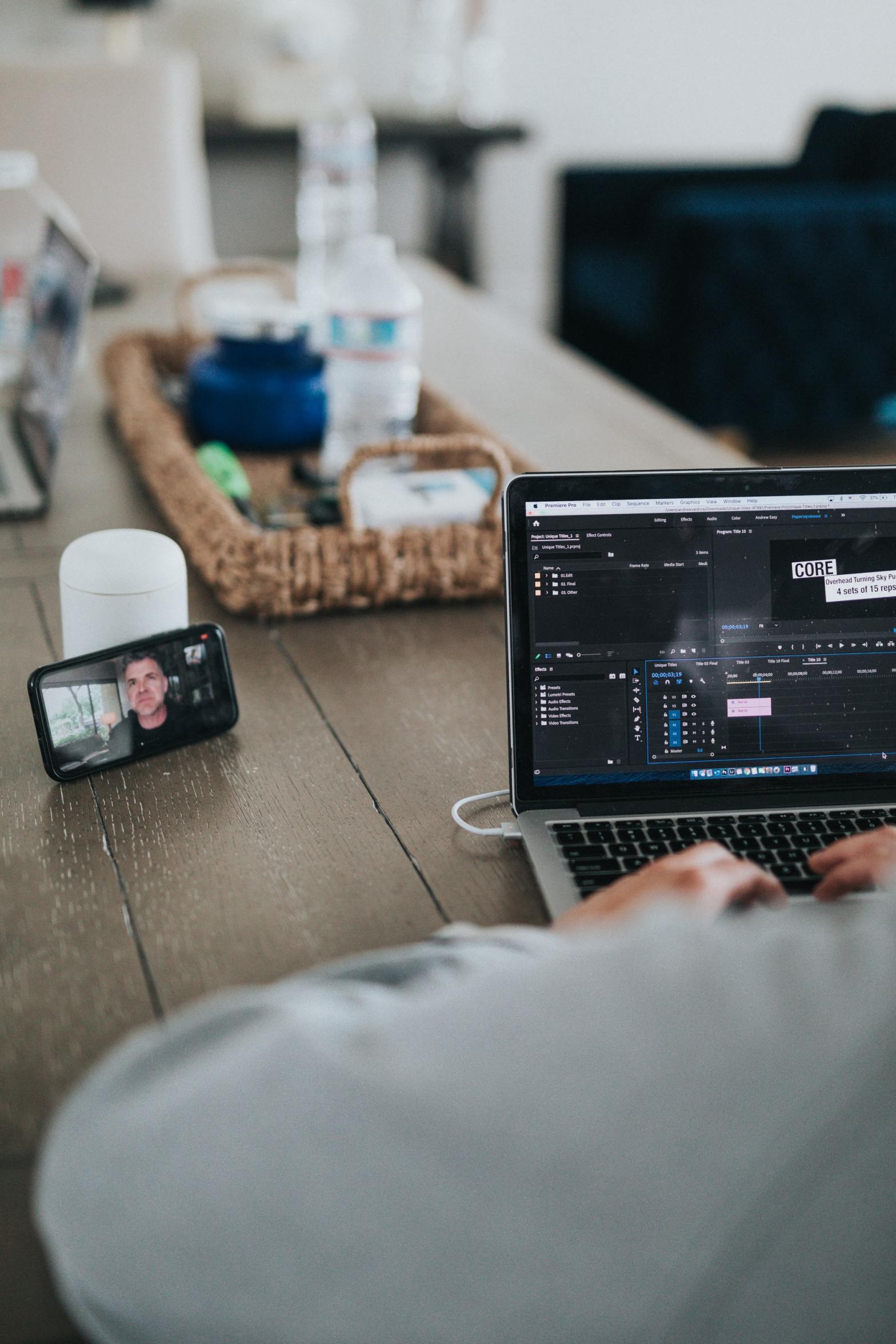
Working from home used to be the dream of many an officer worker, freedom from the horrendous commute and an extra hour in bed. It all sounded idyllic, but as many of us are now finding out, the reality can feel quite different.
Edit Post
Add titleIs working from home turning into a pain in the neck?
Working from home used to be the dream of many an officer worker, freedom from the horrendous commute and an extra hour in bed. It all sounded idyllic, but as many of us are now finding out, the reality can feel quite different.
Few of us are lucky enough to have a full home office set up, and so many of us are now camped out in the kitchen, at the dining table or worse of all on the sofa. Gone are the ergonomic office chairs and carefully set up workstations we’re used to in the office and instead we’re hunched over, tapping away at our laptops and putting all sorts of strain on our bodies.
With social isolation looking like it’s here to stay for a while here’s some tips on simple tweaks we can try at home to improve our day to day working posture and keep those muscular aches and pains to a minimum.
As tempting as it can be to curl up on the sofa, or worse, work from bed, you really will come to regret taking your work to this level of relaxation. Your body will quickly start to send you signals it’s not happy and with hands on massage and physio appointments of limits at the moment the last thing you want is a bad back or stiff neck. Try and find yourself a hard surface to work at, a table, the kitchen work top, if need be the coffee table and a cushion on the floor. Time spent thinking about your working posture now will make working from home a whole lot more enjoyable in the long term.
Lap tops are fine for short term use, but their compact design does not encourage good working posture. If you’re using them for prolonged periods of time consider obtaining an external key board, mouse and then raising your lap top up to use as the screen. This allows you to establish a more ergonomic desk set up, keeping your head and neck in a better alignment and will take the pressure out of your wrists.
Getting the screen at the right height can make all the difference. Look at setting your screen so that your eyes are roughly level with the top of your screen, a stack of books or yoga blocks are perfect for doing this if you don’t have a proper laptop riser available. Aim to have your head in a neutral position, with your chin and eyes neither looking up or down so that you take the strain out of your neck and shoulder muscles. You should ideally have your screen set a distance that allows you to extend your arm horizontally forward and just touch the centre of the screen.
Are you sitting comfortably?
You should aim to sit so that your feet are flat on the floor, with your thighs parallel to the floor, or sloping slightly downwards. An adjustable office chair is a good investment if you’re going to be spending long hours at your computer, they needn’t be too expensive with basic adjustable chairs from as little as £50. However, if you’re making do with a kitchen or dining chair you can try using some cushions to lift yourself up to find the correct position.
Take a stand
Being in one position for long periods of time is a common cause of back pain. Switching between standing and sitting can be a great way of easing the strain. Research suggests a huge number of benefits can be gained from standing whilst working. It engages more muscles than sitting, improves core strength and helps blood flow freely, delivering and delivers more oxygen to your muscles, so you feel better, longer. When you stand, this removes some pressure on internal organs, which allows everything to function better. This means that you’re likely to be able to concentrate longer on each task, with the increased energy from standing up. It’s easier to stay on task by standing at your desk rather than sitting.
Stretch it out
Our bodies were never designed to be sat at a computer and are far happier when they are moving. Sitting for long periods shortens our hip flexors and slumping over a key board places the muscles in the mid and upper back, neck and shoulders under strain. Take regular breaks, stand up, walk about and try some simple stretches to help ease the strain. Here’s some simple stretches you can use to counterbalance all that sitting.
Before undertaking any stretching routine it is important to remember the following: Listen to your body, stretching shouldn’t hurt – Take things slowly, if you feel pain, ease back to where the pain eases and if it doesn’t feel right for you – don’t do it.
Foward Fold.
Stand with your feet hip width apart, a soft bend in the knees and slowly hinge foward, pulling your belly button in towards your spine to protect your lower back. Let your head and arms hang and decend towards the floor – you may want to hold onto opposite elbows and allow gravity to gently help you decend towards the floor – but theres no need to push yourself to touch the floor. You should ALLOW the stretch to happen rather than MAKE it happen. Shake your head ‘yes’ and ‘no’ a few times to release the neck and allow yourself to hang and slowly breathe. This is a fantastic stretch for releasing tension in the neck and giving the muscles a chance to off load.
Chest opener
Sitting at a keyboard brings our arms forward, contracting the chest muscles and causing the shoulders to round. This stretch is the perfect antidote to this, allowing the chest muscles to stretch and open and the shoulders to draw back.
Stand in an open door way and place your hands at shoulder height on each side of the door frame. Breathe in, and as you breathe out take your body weight through the open door way until you experience a stretching and opening sensation in the chest. Take several long slow deep breathes and allow you body to relax into the space.
Stay in the Zone
It’s always a good idea to try and create some seperation between home and work life. It’s too easy to creep into bad habits and not give yourself valuable down time and headspace away from your job. Not all of us are lucky enough to have a separate room to create a home office. If you’re having to improvise and use the dining table or corner of the bedroom try and find ways to ‘close’ the office at the end of each day. Creating some seperation between work and leisure time is important, and staring at that half finished report while you’re trying to enjoy your family meal isn’t the best way to switch off. Maybe try and find a basket or box to drop things into at the end of the day – or throw a sheet or table cloth over the ‘working’ end of the table so you don’t have work staring at you from the corner of the room while you try and relax.
Its certainly a challenging time for us all at the moment, but setting some structure and ground rules can make for a happier and healthier balance. Remember it’s far easier to focus on your work when you’re not being distracted by pain and discomfort, so take a few minutes to assess your working environment and see if there are some small improvements you can make. Your body (and mind) will thank you for it.
Few of us are lucky enough to have a full home office set up, and so many of us are now camped out in the kitchen, at the dining table or worse of all on the sofa. Gone are the ergonomic office chairs and carefully set up workstations we’re used to in the office and instead we’re hunched over, tapping away at our laptops and putting all sorts of strain on our bodies.
With social isolation looking like it’s here to stay for a while here’s some tips on simple tweaks we can try at home to improve our day to day working posture and keep those muscular aches and pains to a minimum.
As tempting as it can be to curl up on the sofa, or worse, work from bed, you really will come to regret taking your work to this level of relaxation. Your body will quickly start to send you signals it’s not happy and with hands on massage and physio appointments of limits at the moment the last thing you want is a bad back or stiff neck. Try and find yourself a hard surface to work at, a table, the kitchen work top, if need be the coffee table and a cushion on the floor. Time spent thinking about your working posture now will make working from home a whole lot more enjoyable in the long term.
Lap tops are fine for short term use, but their compact design does not encourage good working posture. If you’re using them for prolonged periods of time consider obtaining an external key board, mouse and then raising your lap top up to use as the screen. This allows you to establish a more ergonomic desk set up, keeping your head and neck in a better alignment and will take the pressure out of your wrists.
Getting the screen at the right height can make all the difference. Look at setting your screen so that your eyes are roughly level with the top of your screen, a stack of books or yoga blocks are perfect for doing this if you don’t have a proper laptop riser available. Aim to have your head in a neutral position, with your chin and eyes neither looking up or down so that you take the strain out of your neck and shoulder muscles. You should ideally have your screen set a distance that allows you to extend your arm horizontally forward and just touch the centre of the screen.
Are you sitting comfortably?
You should aim to sit so that your feet are flat on the floor, with your thighs parallel to the floor, or sloping slightly downwards. An adjustable office chair is a good investment if you’re going to be spending long hours at your computer, they needn’t be too expensive with basic adjustable chairs from as little as £50. However, if you’re making do with a kitchen or dining chair you can try using some cushions to lift yourself up to find the correct position.
Take a stand
Being in one position for long periods of time is a common cause of back pain. Switching between standing and sitting can be a great way of easing the strain. Research suggests a huge number of benefits can be gained from standing whilst working. It engages more muscles than sitting, improves core strength and helps blood flow freely, delivering and delivers more oxygen to your muscles, so you feel better, longer. When you stand, this removes some pressure on internal organs, which allows everything to function better. This means that you’re likely to be able to concentrate longer on each task, with the increased energy from standing up. It’s easier to stay on task by standing at your desk rather than sitting.
Stretch it out
Our bodies were never designed to be sat at a computer and are far happier when they are moving. Sitting for long periods shortens our hip flexors and slumping over a key board places the muscles in the mid and upper back, neck and shoulders under strain. Take regular breaks, stand up, walk about and try some simple stretches to help ease the strain. Here’s some simple stretches you can use to counterbalance all that sitting.
Before undertaking any stretching routine it is important to remember the following: Listen to your body, stretching shouldn’t hurt – Take things slowly, if you feel pain, ease back to where the pain eases and if it doesn’t feel right for you – don’t do it.
Foward Fold
Stand with your feet hip width apart, a soft bend in the knees and slowly hinge foward, pulling your belly button in towards your spine to protect your lower back. Let your head and arms hang and decend towards the floor – you may want to hold onto opposite elbows and allow gravity to gently help you decend towards the floor – but theres no need to push yourself to touch the floor. You should ALLOW the stretch to happen rather than MAKE it happen. Shake your head ‘yes’ and ‘no’ a few times to release the neck and allow yourself to hang and slowly breathe. This is a fantastic stretch for releasing tension in the neck and giving the muscles a chance to off load.
Chest opener
Sitting at a keyboard brings our arms forward, contracting the chest muscles and causing the shoulders to round. This stretch is the perfect antidote to this, allowing the chest muscles to stretch and open and the shoulders to draw back.
Stand in an open door way and place your hands at shoulder height on each side of the door frame. Breathe in, and as you breathe out take your body weight through the open door way until you experience a stretching and opening sensation in the chest. Take several long slow deep breathes and allow you body to relax into the space.
Stay in the Zone
It’s always a good idea to try and create some seperation between home and work life. It’s too easy to creep into bad habits and not give yourself valuable down time and headspace away from your job. Not all of us are lucky enough to have a separate room to create a home office. If you’re having to improvise and use the dining table or corner of the bedroom try and find ways to ‘close’ the office at the end of each day. Creating some seperation between work and leisure time is important, and staring at that half finished report while you’re trying to enjoy your family meal isn’t the best way to switch off. Maybe try and find a basket or box to drop things into at the end of the day – or throw a sheet or table cloth over the ‘working’ end of the table so you don’t have work staring at you from the corner of the room while you try and relax.
Its certainly a challenging time for us all at the moment, but setting some structure and ground rules can make for a happier and healthier balance. Remember it’s far easier to focus on your work when you’re not being distracted by pain and discomfort, so take a few minutes to assess your working environment and see if there are some small improvements you can make. Your body (and mind) will thank you for it.
If you’re still struggling feel free to message me and I can offer a free 10 minute online or telephone consultation and give you some individual home care advice, and hopefully soon we can return to hands on treatments.
 HR Massage Therapies